


Target Keywords: news anchor desk vs office desk, broadcast desk comparison, best desk for broadcasting, on-camera desk setup, professional anchor desk
TL;DR: A news anchor desk is purpose-built for on-camera performance — curved profile, low-glare finish, integrated cable management, and camera-optimized height. A regular office desk is designed for productivity, not presentation. If you’re broadcasting live, the desk behind you is part of your brand.
Introduction: Why Your Desk Shows Up on Camera Before You Do
Whether you’re anchoring a nightly newscast, hosting a sports podcast, or building a YouTube commentary channel for the 2026 World Cup, the moment your stream goes live, your desk is already on screen.
Viewers make a judgment in under three seconds. A cluttered, generic office desk signals “amateur.” A clean, professional broadcast desk signals “authority.”
But beyond aesthetics, there are real functional differences that affect your audio quality, camera framing, equipment stability, and workflow. This guide breaks them all down.
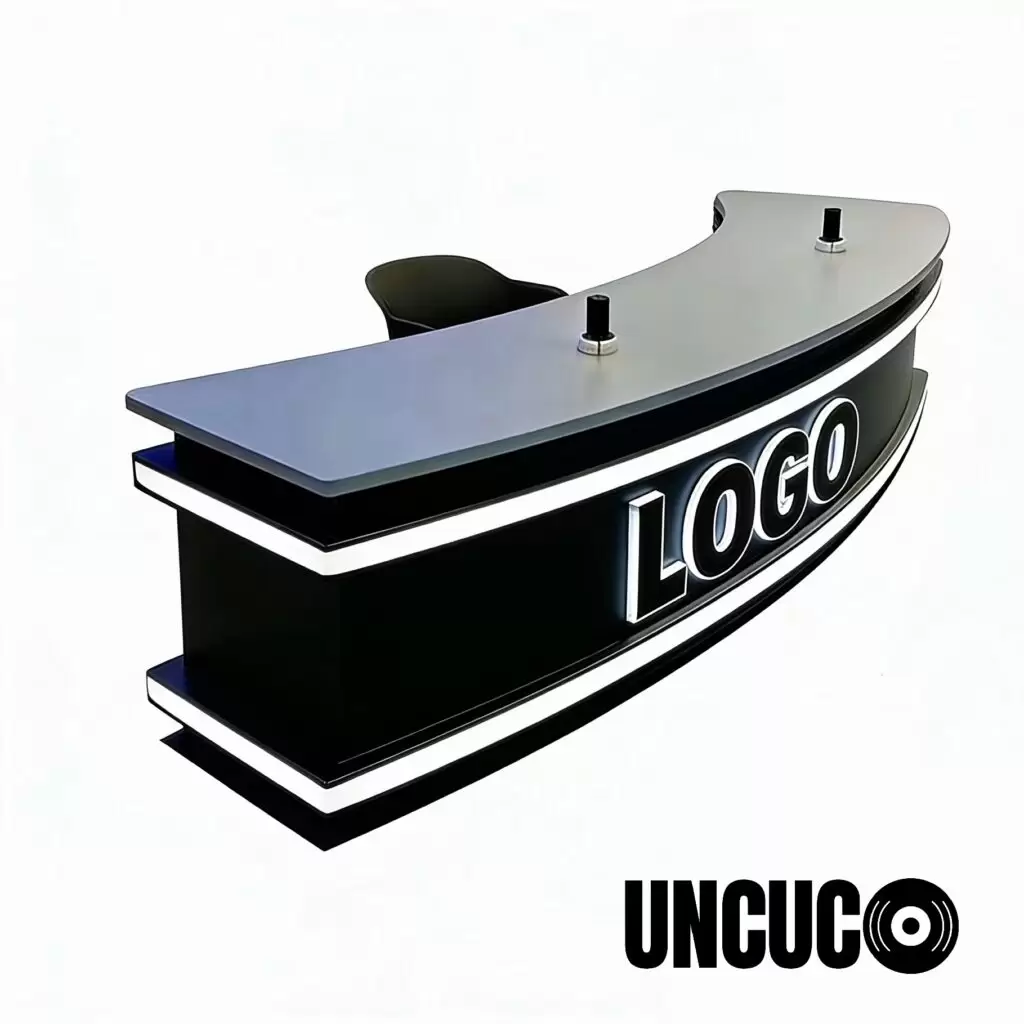
A purpose-built news anchor desk creates instant visual credibility. Replace with your own product photo.
1. The Visual Difference: What the Camera Actually Sees
News Anchor Desk Appearance
A professional news anchor desk is designed to look exceptional on camera, not just in person. Key visual features include:
-
- Curved or semi-circular front fascia — the signature look of broadcast desks, borrowed directly from major network studios. The curve softens the frame and creates a sense of depth that flat desks cannot replicate.
- Low-reflectance surface finish — matte or micro-textured finishes (often in tones like charcoal, slate grey, or warm white) prevent hot spots and glare from ring lights or studio lighting. A glossy IKEA desk under a key light will blow out your frame.
- Integrated modesty panel — the front panel hides cables, power strips, and equipment. Clean front, always.
- Finished on all sides — because cameras see every angle, news anchor desks are built to look professional from the front, the 45-degree side shot, and in wide establishing shots.
- Branding-ready surface — many broadcast desks include a recessed or flush logo zone on the fascia for a station ID, channel logo, or sponsor mark.
Regular Office Desk Appearance
A standard office desk is optimized for personal productivity, not visual presentation:
-
- Flat rectangular surface — functional, but visually flat on camera
- Often unfinished or cheaply finished on the back and sides
- Visible cable chaos underneath
- Reflective or wood-grain surfaces that react poorly to studio lighting
- No provisions for on-screen branding
The bottom line: Place two setups side by side on a monitor. One looks like a studio. One looks like a home office. The desk communicates your professionalism before you say a word.

Left: news anchor desk on camera. Right: regular desk on camera. The difference is immediate.
2. The Functional Difference: Built for Broadcast, Not Spreadsheets
This is where the gap becomes critical for working broadcasters.
Cable Management: Hidden vs. Chaos
Feature News Anchor Desk Regular Office Desk Built-in cable routing channels ✅ Yes ❌ Rarely Grommets with covers ✅ Standard ⚠️ Optional add-on Under-desk cable trays ✅ Integrated ❌ Aftermarket only Front panel cable concealment ✅ Yes ❌ No
A broadcast desk is engineered so that zero cables are visible on camera. In a live production environment — especially a 6-hour World Cup match broadcast — the ability to quickly patch in a new feed, swap a monitor, or hot-swap equipment without cable chaos on screen is not a luxury. It’s a necessity.
Equipment Load Capacity
Broadcast desks must support:
-
- Dual or triple monitor arrays (15–30 kg)
- Broadcast monitors with VESA mounts
- Teleprompter glass and motor units
- In-desk lighting (LED bars, soft boxes)
- Audio mixer or interface (2–5 kg)
- Mic arms with boom mounts
- Intercom and IFB systems
A standard office desk is rated for static loads of 50–80 kg and rarely tested for the vibration stress of professional equipment. A purpose-built news anchor desk uses reinforced steel subframes rated for broadcast-grade equipment stacks, with dedicated equipment bays and recessed monitor mounts that do not compromise structural integrity.
Camera-Optimized Height and Depth
This is the most underestimated functional difference.
A standard desk is 72–76 cm tall — optimized for a person typing while seated. That height places your shoulders and chest awkwardly close to the desk edge when a camera is at eye level.
A professional anchor desk is designed so that when you are seated in broadcast position:
-
- The desk height (typically 68–72 cm) places your forearms naturally on the surface without raising your shoulders
- The desk depth (front-to-back) is calibrated so a camera positioned 1.5–3 meters away frames you correctly — desk in shot, clean background behind
- The curved front edge keeps you closer to your talent position without the desk edge cutting across the lower third of the frame
Pro tip: When shooting with a wide lens (24–35mm equivalent), a flat rectangular desk creates a “floating tabletop” look. A curved anchor desk edge creates a natural, professional visual anchor point in the frame.
Correct camera height and desk depth create a balanced broadcast frame.
3. On-Camera Performance: A Side-by-Side Reality Check
Let’s be direct about what viewers actually perceive.
With a Regular Office Desk
-
- Background integration feels like “home setup”
- Surface glare creates unwanted reflections during post-production
- Cable clutter appears in wide shots
- Flat front edge creates a sterile, geometric frame
- No space for branded elements without DIY workarounds
- Monitor placement forces awkward neck angles that show on camera
With a News Anchor Desk
-
- Immediate visual authority — matches what viewers associate with trusted sources (CNN, ESPN, BBC Sport)
- Matte finish holds consistent color temperature under studio lighting
- Clean front panel creates a natural lower-third zone for graphics
- Curved geometry softens the composition and improves depth-of-field aesthetics
- Branded fascia panel reinforces channel identity at zero extra cost
- Integrated mic arm mounts keep boom microphones in optimal position without visible clamps
Real-world data point: Creators who upgraded from a regular desk to a dedicated broadcast desk report 15–30% increases in watch time in their first 60 days — attributed primarily to improved perceived production quality.
4. Who Actually Needs a News Anchor Desk?
✅ You need a news anchor desk if you are:
Independent Media Creators
-
- YouTube news channels, political commentary, tech review channels
- Any creator whose brand depends on visual authority and credibility
- Channels targeting 10,000+ subscribers where production quality is a growth lever
Sports Broadcasters & Analysts (Especially Now)
-
- With the 2026 FIFA World Cup expanding to 48 teams and 104 matches, sports commentary content is exploding
- Local journalists, digital sports networks, and YouTube sports channels are all building broadcast setups
- A news anchor desk transforms a bedroom into a broadcast studio
Podcasters Moving to Video
-
- The podcast industry is rapidly shifting to video-first. A broadcast desk elevates a podcast from “audio-only” to “premium media brand”
- Ideal for interview-format shows with 2–4 hosts
Corporate Communications & Internal Media
-
- HR announcements, executive communications, internal town halls
- Companies building in-house media studios for hybrid work environments
Local TV Stations & Community Media
-
- School journalism programs, community access channels, local news organizations
- Where budget is limited but on-screen credibility is non-negotiable
Educational Institutions
-
- Journalism schools, media arts programs, student-run news operations
❌ A regular desk is probably fine if you are:
-
- Fully off-camera (audio-only podcast, voiceover work)
- Doing occasional video calls, not broadcast-quality productions
- Testing content creation before investing in a full setup
5. The 2026 World Cup Opportunity: Why This Decision Matters Right Now
The 2026 FIFA World Cup runs June 11 – July 19, 2026 — 39 days, 104 matches, across 16 host cities in the United States, Canada, and Mexico.
This is the single largest content creation event in the world. Hundreds of thousands of creators, journalists, and sports commentators are building or upgrading their broadcast setups right now.
If you’re planning to cover the World Cup — as a reporter, analyst, podcaster, or streamer — your desk is your studio. A news anchor desk communicates to your audience that you are a professional voice in the conversation, not just another fan with a laptop.
“Every great match deserves a great desk. Set the stage for your World Cup coverage.”
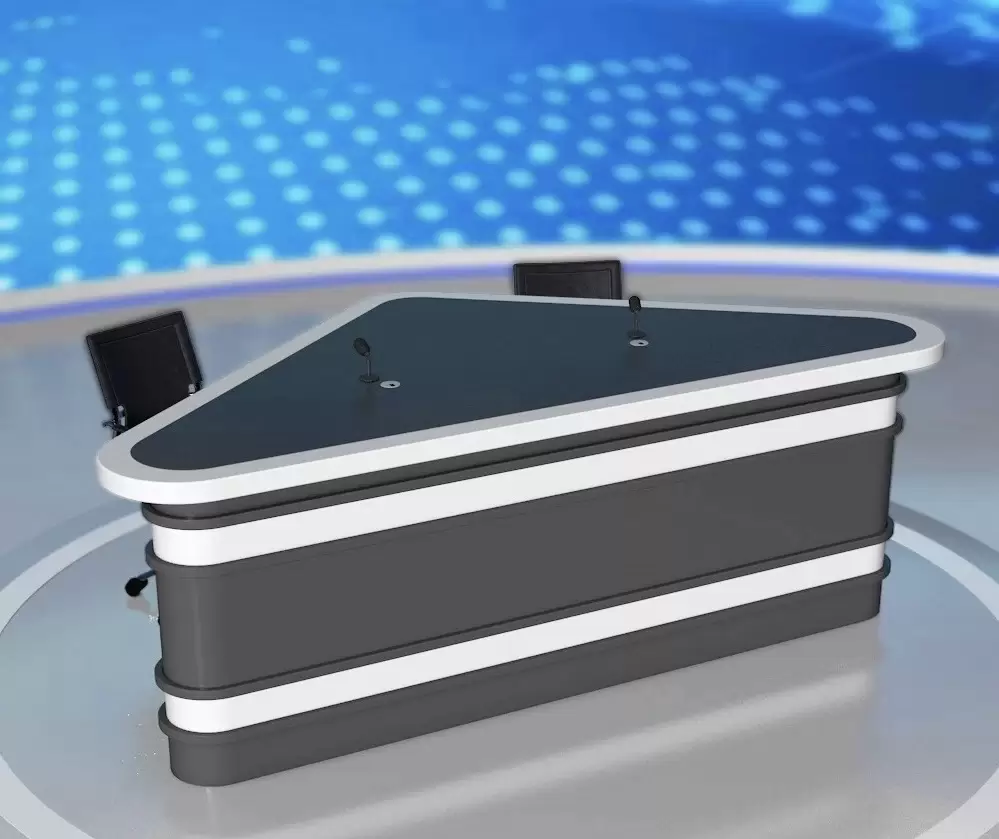
Build your World Cup commentary studio around a professional anchor desk.
6. Quick Comparison Table: News Anchor Desk vs. Regular Desk
Feature News Anchor Desk Regular Office Desk On-camera aesthetics ✅ Studio-grade ❌ Home-office look Surface finish Matte, low-reflectance Often glossy or wood-grain Cable management ✅ Integrated, hidden ❌ Aftermarket or none Equipment load capacity Heavy-duty broadcast-rated General office use Camera-optimized height ✅ Yes ❌ Typing-optimized only Curved fascia / front profile ✅ Standard ❌ Rectangular only Branding/logo integration ✅ Designed for it ❌ DIY workaround Mic arm mounting points ✅ Built in ❌ Add-on clamps only Monitor mount integration ✅ Recessed/built-in ❌ Surface-mounted only Side-finish (all angles) ✅ Camera-ready ❌ Often unfinished Professional signal to viewers ✅ Immediate ❌ No Price range $800–$3,500+ $150–$800
7. Frequently Asked Questions
Q: Can I use a regular desk for broadcasting if I add a backdrop?
A: A backdrop helps, but it doesn’t solve the desk’s on-camera problems. The surface glare, visible cables, flat front profile, and non-optimized height are still visible. The desk itself is part of your frame — a backdrop behind it only adds depth if the foreground looks professional too.
Q: Are news anchor desks only for TV stations?
A: No. The fastest-growing segment for professional broadcast desks is independent creators — YouTube channels, podcast studios, corporate media rooms, and sports commentary setups. The 2026 World Cup is accelerating this shift significantly.
Q: What size news anchor desk do I need for a one-person setup?
A: A solo anchor setup typically works well at 150–180 cm wide. This provides room for a primary monitor, two side monitors or a teleprompter, a mic arm, and a small equipment bay — without the desk overwhelming a standard room setup.
Q: Do news anchor desks work for podcast recording?
A: Yes, and many professional podcasters prefer them. The integrated cable management, mic arm mounts, and on-camera aesthetics are exactly what video podcasting requires. For multi-host setups, look for desks at 180–240 cm to accommodate 2–4 host positions.
Q: How important is desk height for on-camera broadcasting?
A: Very. Standard desk height (75–76 cm) was designed for typing, which raises your shoulders and compresses your posture when the camera is at eye level. A broadcast desk at 68–72 cm with a camera at natural eye level creates a relaxed, authoritative posture that reads as confident and professional on screen.
Q: Is a news anchor desk worth it for a YouTube channel?
A: If your channel is built around on-camera credibility — news, commentary, analysis, interviews — yes, absolutely. The visual upgrade is immediate and directly impacts how new viewers perceive your authority. For channels that are primarily tutorial or screen-share based, it matters less.
Conclusion: Your Desk Is Your Brand
A news anchor desk is not a luxury item for big-budget TV studios. It is a purpose-built production tool that solves real problems: cable chaos, poor camera framing, equipment instability, and weak on-screen visual identity.
A regular office desk solves none of those problems. It wasn’t designed to.
If you are building a broadcast presence — for the 2026 World Cup coverage, a growing podcast, a corporate media channel, or a YouTube news operation — the desk you broadcast from is a direct signal of how seriously you take your craft.
Your audience will notice. So will your growth metrics.
Ready to Build Your Broadcast Setup?
→ Shop Our News Anchor Desk Collection
Engineered for on-camera performance. Built for creators who mean business.
-
- ✅ Studio-grade matte finish
- ✅ Integrated cable management
- ✅ Broadcast-optimized dimensions
- ✅ Available in solo, dual-host, and panel configurations
- ✅ Ships flat-pack with professional assembly support
- Contact Us
- Everything you need to build a professional commentary studio before the tournament kicks off.
Last updated: April 2026 | Reading time: 8 minutes
Related articles:
-
- How to Build a World Cup Commentary Studio at Home
- Best Desk Setup for Sports Podcast in 2026
- Podcast Desk vs. News Anchor Desk: Which One Is Right for You?


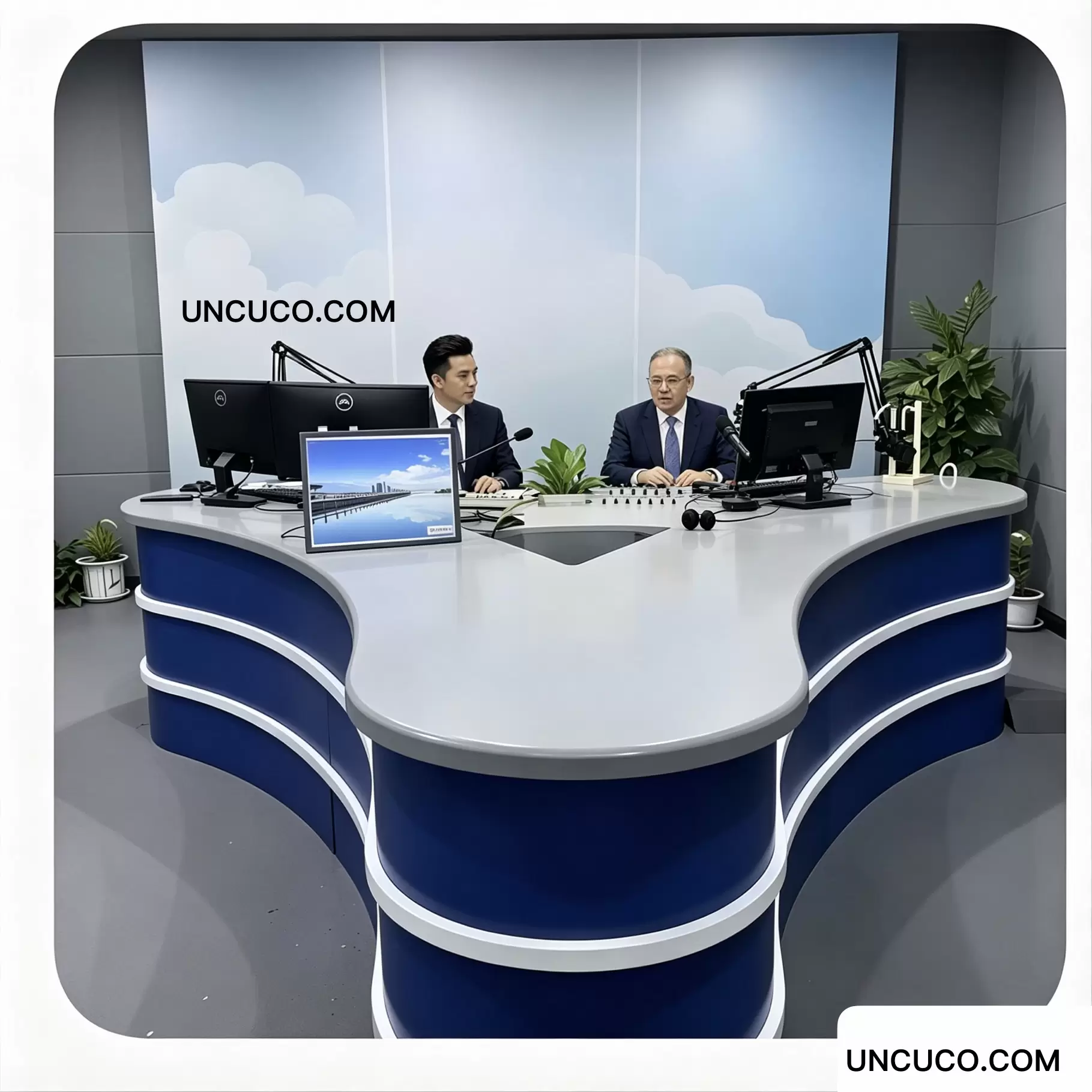


UNCUCO T-01 Studio Live Anchor News Table For TV Broadcast Station
Price range: $1,082.00 through $1,789.00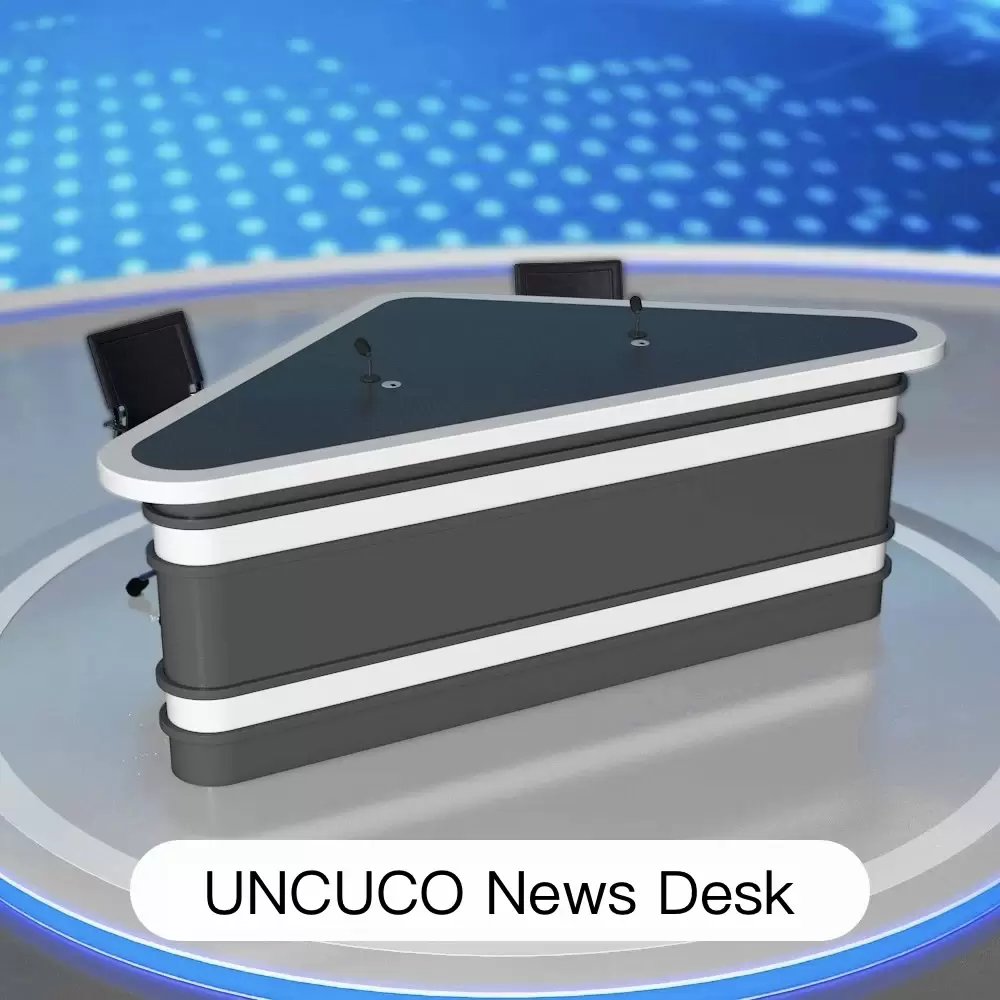

UNCUCO T-02 Triangle Style News Anchor Desk For TV Broadcast
Price range: $1,293.00 through $1,699.00

UNCUCO T-03 Anchor News Desk Table For Video Studio TV Station Broadcasting
Original price was: $1,830.00.$1,490.00Current price is: $1,490.00.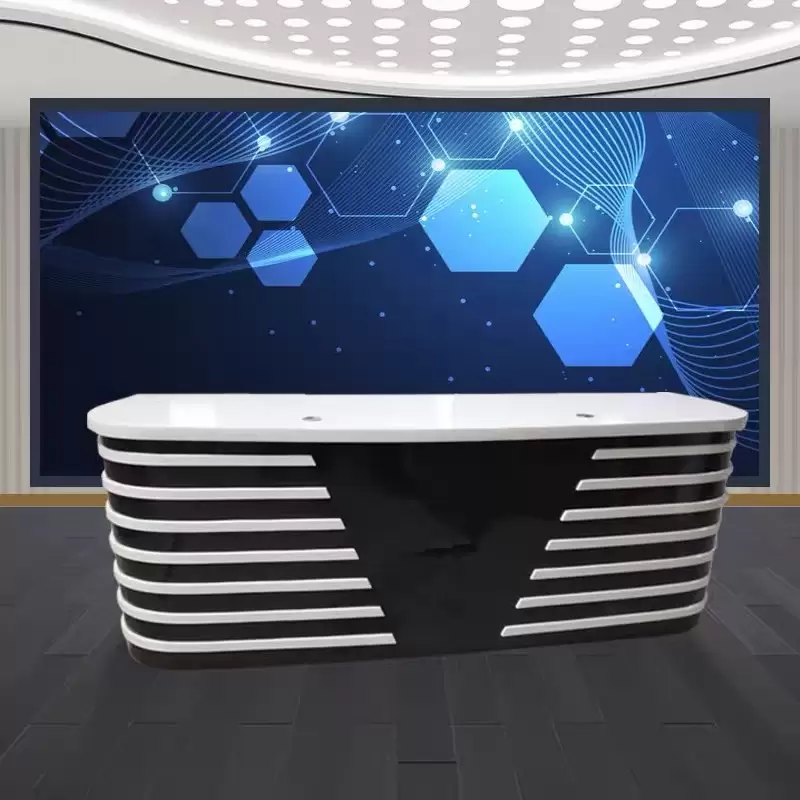


UNCUCO T-05 Modern LED Design Anchor Desk for Studios Broadcasting Live Interviews Newscast
Original price was: $1,880.00.$1,295.00Current price is: $1,295.00.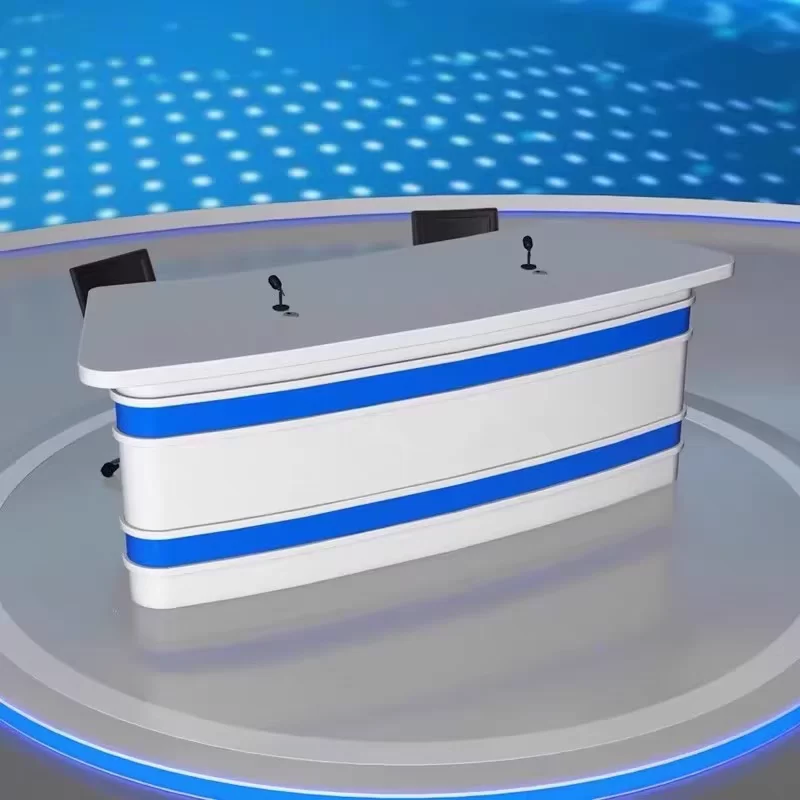

UNCUCO T-06 Broadcast Studio Desk for Live Streaming & Media Production
Price range: $1,187.00 through $1,479.00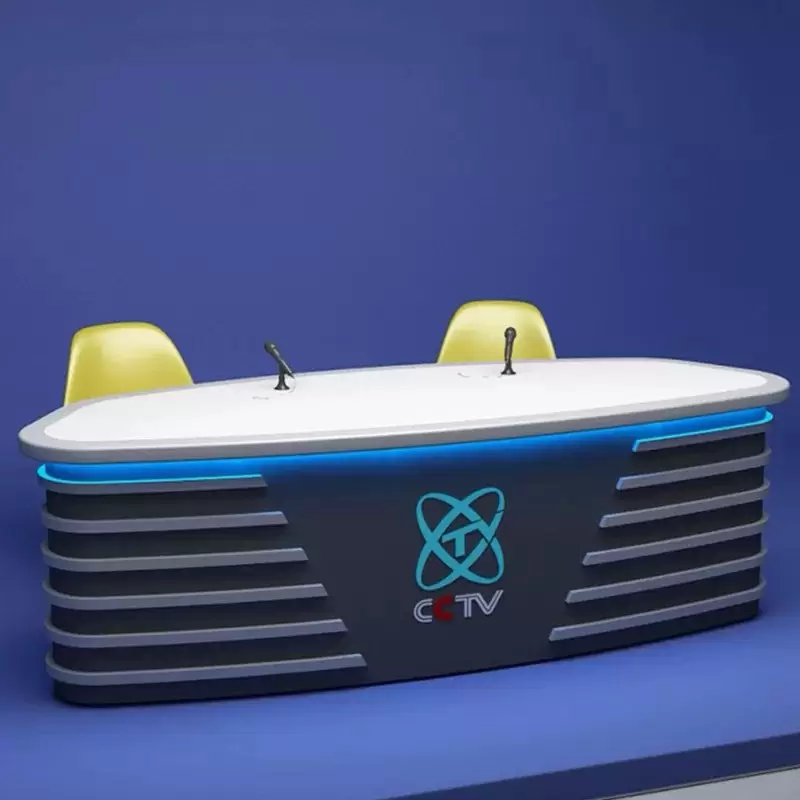
UNCUCO T-07 TV News Anchor Desk & Table Studio Control Desk For Live Events
Original price was: $1,850.00.$1,590.00Current price is: $1,590.00.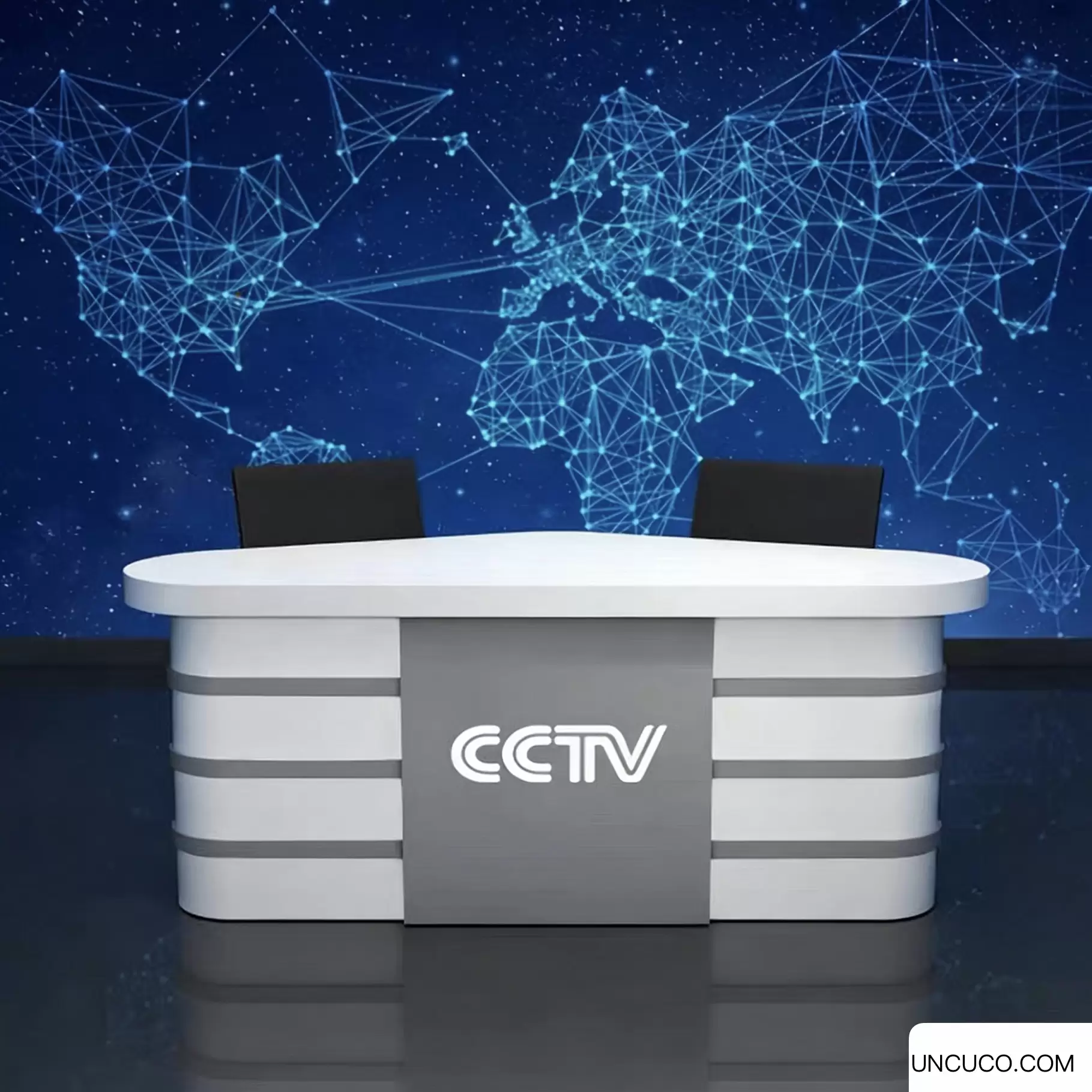

UNCUCO T-08 TV Broadcast Studio Desk Modern & Customizable Workstation
Original price was: $1,854.00.$1,498.00Current price is: $1,498.00.
UNCUCO T-09 Studio Live Anchor News Table For TV Broadcast Station
Original price was: $1,987.00.$998.00Current price is: $998.00.
UNCUCO T-10 News Anchor Desk for Newscast Studio Broadcast Professionals
Original price was: $1,870.00.$1,553.00Current price is: $1,553.00.
UNCUCO T-11 Video Studio Table Desk For Anchor News TV Channel
Original price was: $1,810.00.$1,560.00Current price is: $1,560.00.